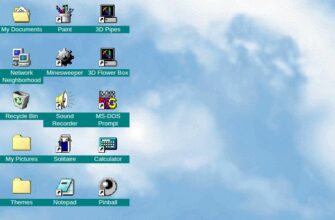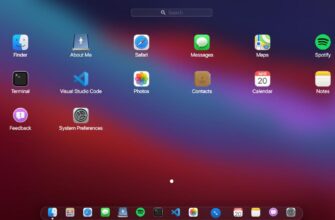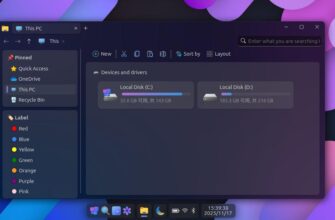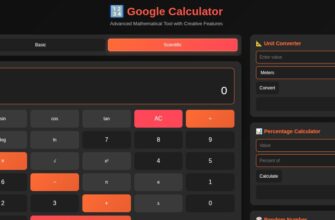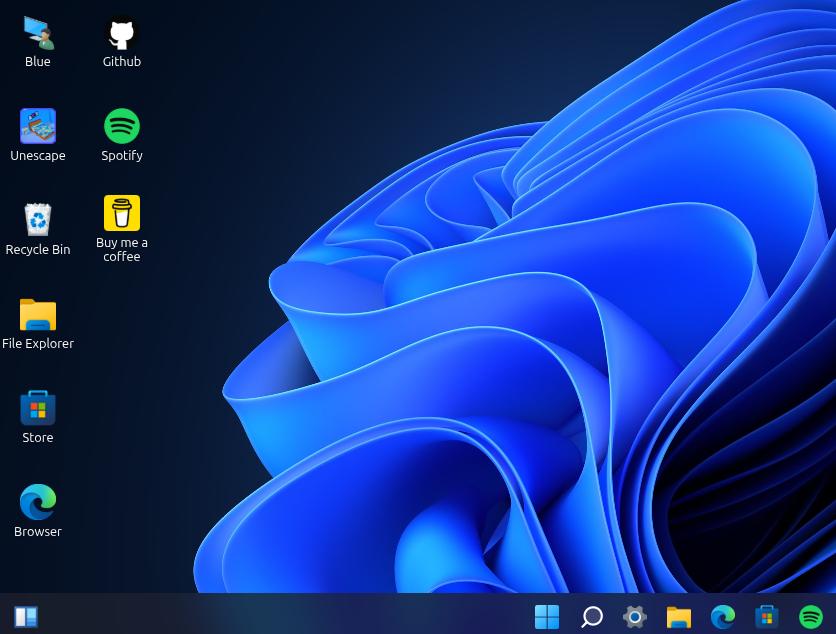
The Windows 11 Simulator lets you experience the sleek design and familiar functionality of Microsoft’s newest operating system right in your browser. With no downloads or installations required, this online simulation recreates the look and feel of a real Windows 11 desktop, from the centered Start menu and taskbar to interactive windows and system settings.
This simulator gives you a hands-on way to discover how Windows eleven feels before installing it on your computer. You can explore the redesigned Start interface, check out virtual apps, switch themes, and navigate the modern file system. It’s perfect for those curious about the new environment, students learning about operating systems, or anyone who simply wants to enjoy the Windows 11 aesthetic without upgrading their device.
Unlike videos or screenshots, this interactive experience allows you to click, open, and move windows just as you would on a real PC. Whether you’re using a phone, tablet, or desktop browser, the simulator adjusts to your screen for a smooth, realistic experience.
The Windows 11 Simulator is a fun and educational tool that brings Microsoft’s signature design closer to everyone. Try it online to see what’s new, and explore the future of Windows in just a few clicks.
—–
⚠️ Disclaimer:
This website is not affiliated with, sponsored by, or endorsed by Microsoft Corporation. The Windows 11 Simulator is an independent, fan-made Github project created solely for educational and entertainment purposes. It does not represent an official version of Windows, and no real system changes or installations occur when using the simulator.
All trademarks, logos, and product names are the property of their respective owners.