A Blue Screen, often referred to as the Blue Screen of Death (BSOD), is a critical system error screen that appears on Microsoft Windows operating systems when the system encounters a fatal error. This screen signals that the computer has stopped functioning properly and must be restarted to prevent damage.
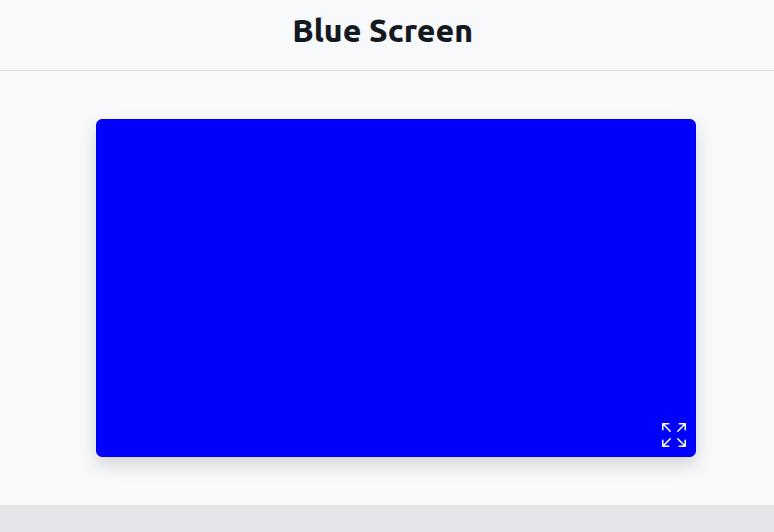
The Blue Screen typically displays a white error message on a solid blue background, sometimes accompanied by a stop code or QR code that helps identify the specific issue. It is triggered when Windows detects a system error from which it cannot recover safely, often related to hardware malfunctions, driver conflicts, corrupted files, or memory failures.
Common causes of a BSOD include:
- Faulty RAM or hard drive issues
- Incompatible or outdated device drivers
- Software bugs or conflicts
- Overheating hardware components
- Virus or malware infections
- BIOS or firmware problems
When a BSOD occurs, Windows automatically generates a “minidump” file that logs the crash data, which can be analyzed using tools like WinDbg or BlueScreenView. This helps developers or advanced users identify the root cause of the failure.
While blue screens can be alarming, they are a built-in safety feature designed to prevent further damage and data loss. By following proper diagnostic steps, users can usually pinpoint and fix the underlying issue, whether that means updating drivers, running memory tests, scanning for malware, or performing a system restore.
To prevent BSODs, it’s recommended to:
- Keep your Windows system and drivers updated
- Avoid installing unverified third-party software
- Use antivirus software and perform regular scans
- Monitor hardware health and temperature
- Back up data regularly
In modern versions of Windows (such as Windows 10 and 11), BSODs have been redesigned to include more helpful information, such as QR codes linking to online help resources. Although disruptive, they remain an essential mechanism for system protection and diagnostics.